

If you want to improve your website’s SEO performance, Google Search Console (GSC) is one of the most powerful (and free) tools available. Whether you’re a business owner, marketer, or web developer, GSC provides valuable insights into how your site performs in Google Search—and what you can do to improve.
Here’s a beginner-friendly guide to using Google Search Console for better SEO results:
1. Monitor Search Performance
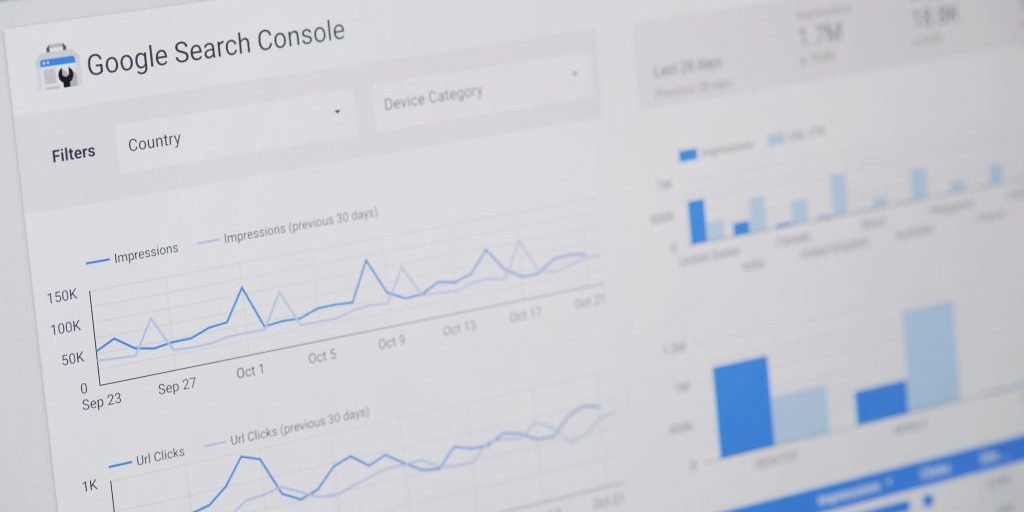
The Performance tab shows how your website is performing in Google Search, including:
-
Total Clicks – how many users clicked your links
-
Total Impressions – how many times your pages appeared in search
-
Average Click-Through Rate (CTR)
-
Average Position – where your pages rank on average for specific keywords
✅ Use this data to identify your top-performing keywords and pages—and optimize underperforming ones.
2. Check Index Coverage
In the Pages or Indexing section, you can see which of your pages are indexed and which ones have issues.
-
Pages marked as Excluded or Errors may not appear in search results.
-
Reasons may include “Crawled – currently not indexed”, “404 errors”, or “Blocked by robots.txt”.
✅ Fix errors and make sure important pages are properly indexed to maximize visibility.
3. Submit Your Sitemap
A sitemap helps Google understand your site’s structure and discover all your important pages.
-
You can submit your XML sitemap under Sitemaps in GSC.
-
This helps speed up indexing and ensures search engines don’t miss key content.
✅ Keep your sitemap updated, especially when you publish new pages or blog posts.
4. Check for Mobile Usability
Since Google uses mobile-first indexing, it’s crucial that your website is mobile-friendly.
-
Go to the Mobile Usability report to see if any pages are difficult to use on mobile devices.
-
Common issues: text too small, clickable elements too close together, content wider than screen.
✅ Fix these issues to improve user experience and avoid ranking penalties.
5. Inspect Individual URLs
The URL Inspection Tool lets you check the indexing status of any specific page on your site.
-
You can see if it’s indexed, when it was last crawled, and if there are any problems.
-
You can also request indexing for new or updated pages.
✅ Use this tool after publishing or updating important content to speed up search visibility.
6. Discover Opportunities for SEO Optimization
By analyzing keyword data, click-through rates, and page performance, you can:
-
Identify keywords with high impressions but low CTR (optimize meta titles/descriptions)
-
Find keywords where you rank on page 2 (improve content to move to page 1)
-
Track the effect of your SEO efforts over time
Conclusion
Google Search Console is more than just a monitoring tool—it’s an essential part of any SEO strategy. With the right insights, you can make smarter decisions, fix technical issues, and steadily improve your website’s search performance.
💡 Don’t have GSC set up yet? Need help understanding the data? [Contact us] to get started with professional SEO support.